Built-in VPN
One click hides your address from the sites you visit.
- Tor built in, nothing to set up
- Or use your own WireGuard, SOCKS5 or SSH server
- Kill switch: nothing leaks if the VPN drops
- Covers Aegiscia's traffic, not other apps
Free private browser for Windows
Aegiscia blocks ads and trackers, routes your browsing through a built-in VPN, scans every download before you can open it and stops keyloggers reading what you type. No ads, no tracking, no account.

Every layer is switched on from the first launch. Each one works on its own, so a threat that slips past one still has to get through the rest.
One click hides your address from the sites you visit.
Files are checked before you can open them.
Stops scripts and spyware reading your keystrokes.
The web without the watching.
A password manager that can't be fooled by a fake site.
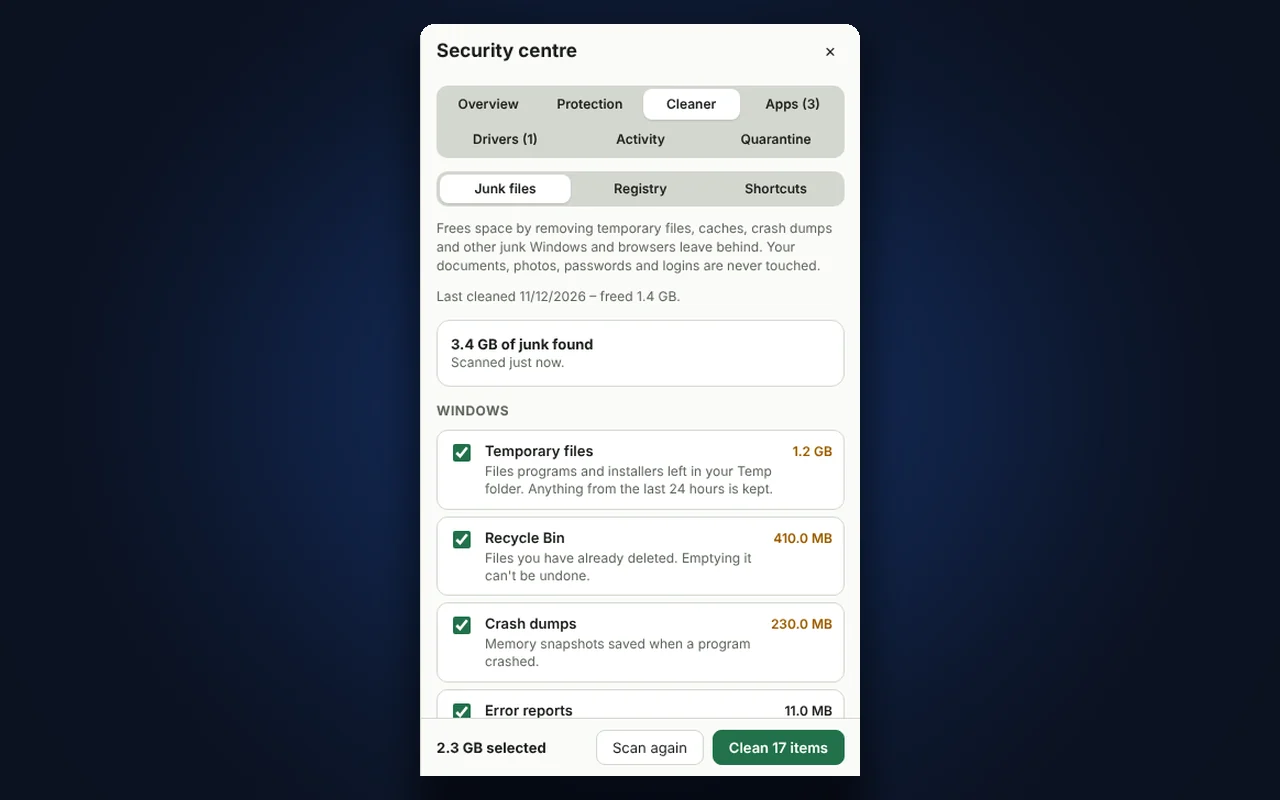
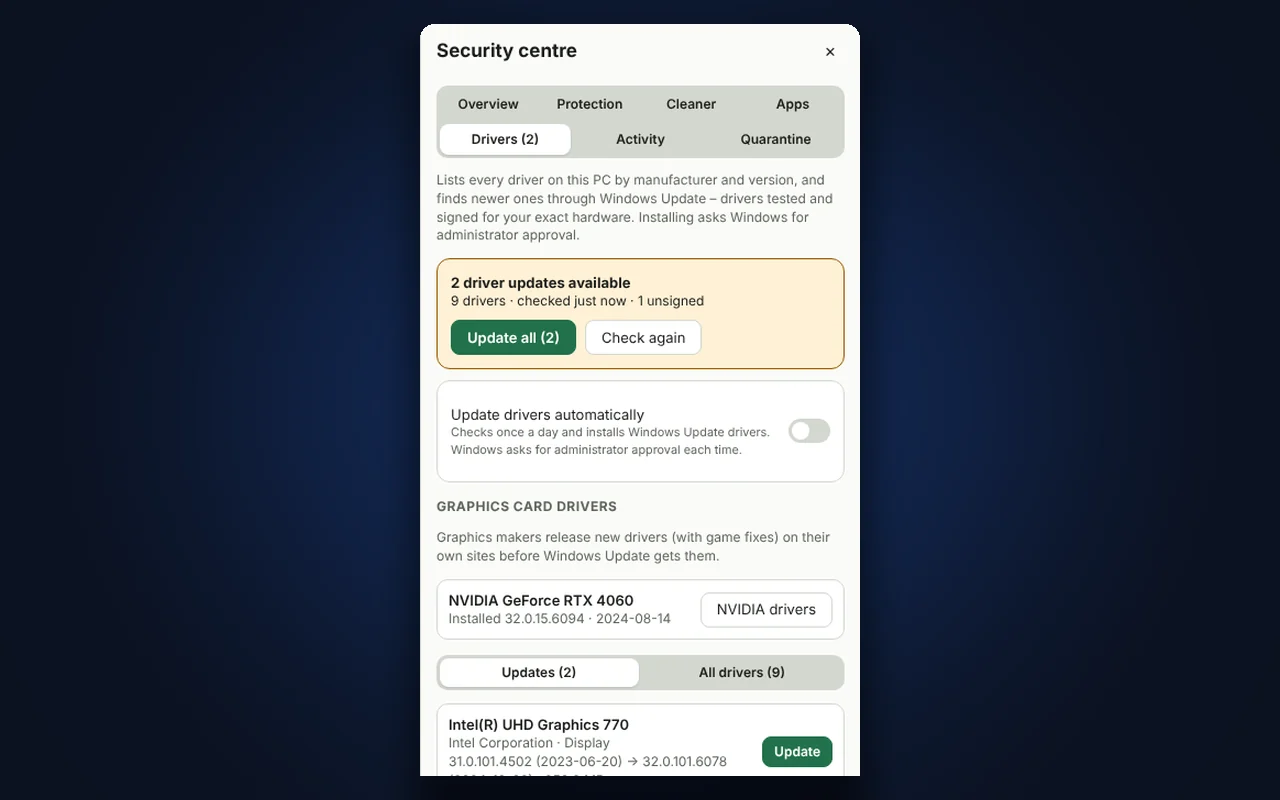
Keeps the whole PC healthy, not just the browser.
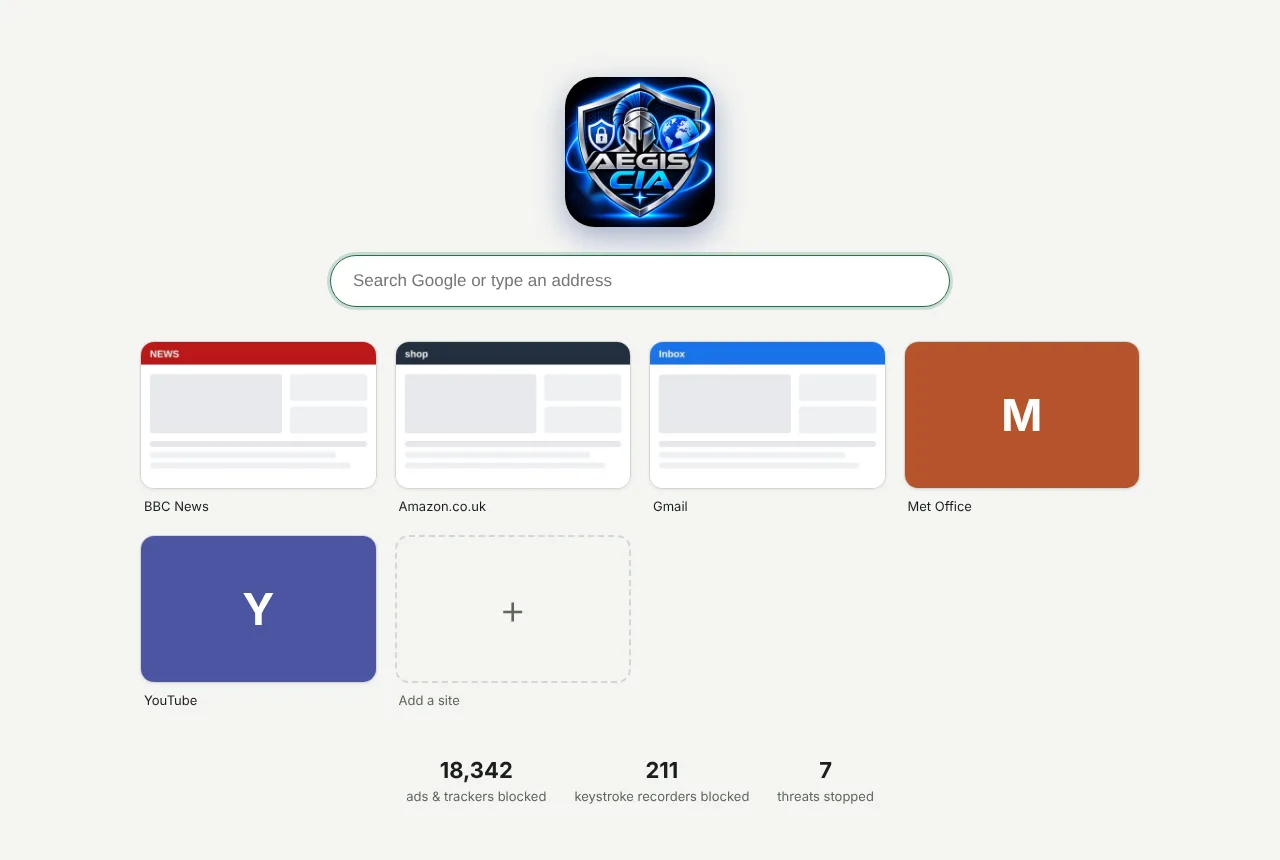
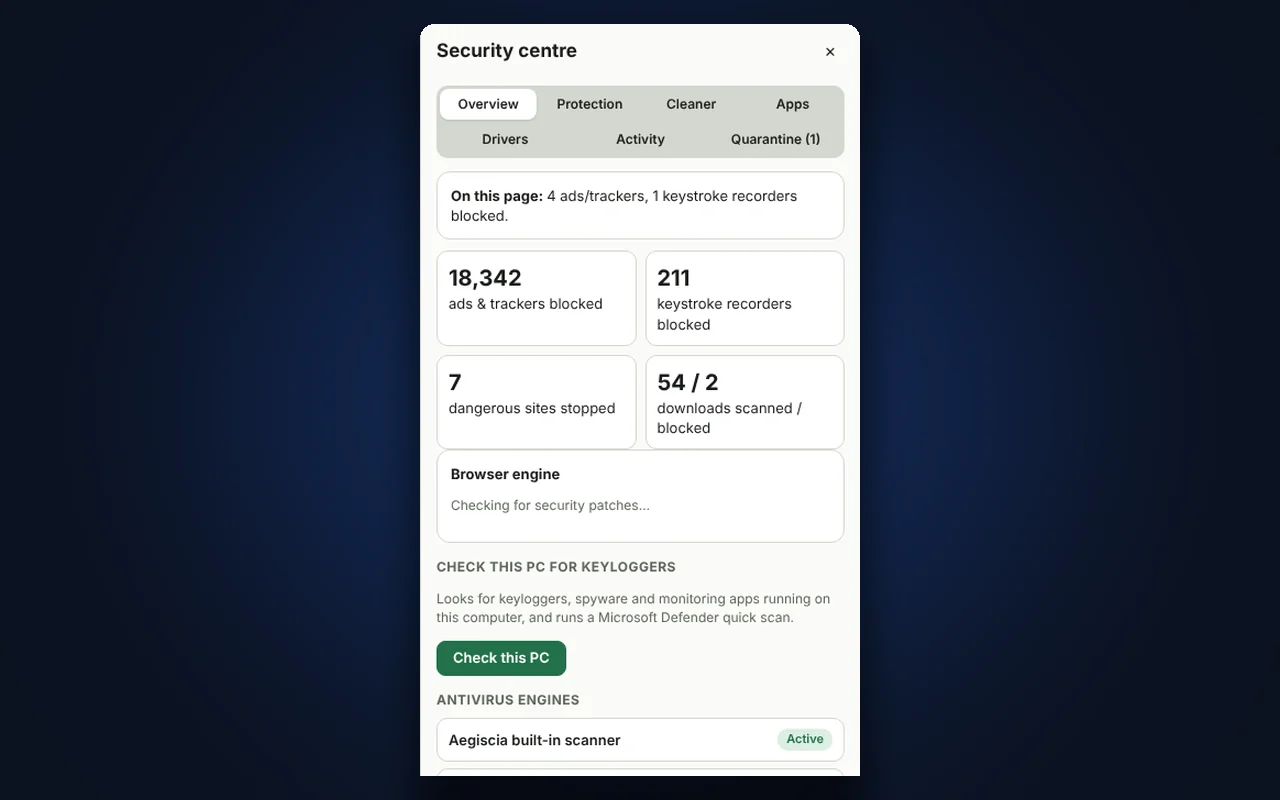
Speed Dial for your favourite sites, and a Security centre that shows what has been blocked, what needs updating and how much space you can free.
Free for everyone. One installer, about the size of any modern browser.
The download link isn't set up yet. (Site owner: add your GitHub repository or a download link in site-config.js.)
Every release is also listed on the releases page.
To check your download is genuine, open PowerShell in your Downloads folder, run Get-FileHash .\Aegiscia-Setup-*.exe and compare the result with the SHA-256 shown here.
On an Android phone or tablet? Get Aegiscia for Android.
Straight answers about what Aegiscia does and doesn't do.
Yes. There are no ads, no paid tier and nothing to sign up for. Development is paid for by people who choose to support it, from £1.
No. There's no account, no analytics and no usage tracking. The only connections Aegiscia makes by itself are to download updated block lists from their publishers and to check Electron and Google for browser security updates. Those requests carry nothing about you.
It protects everything you do in Aegiscia. Other programs on your PC keep using your normal connection. The built-in option is Tor, which is free and hides your address well but is slower than a paid VPN. If you already pay for a VPN that offers WireGuard, you can use it inside Aegiscia instead.
No. It works alongside it. Aegiscia scans downloads with its own scanner and with Microsoft Defender, and blocks dangerous sites before they load. Keep your normal antivirus running.
Windows SmartScreen warns about programs that aren't code-signed yet. A code-signing certificate costs money each year; it is the first thing supporters' contributions go towards. Until then, the SHA-256 fingerprint on this page lets you check your download is exactly the published file.
Not yet. Aegiscia is for Windows 10 and 11.
If Aegiscia keeps you safer, you can chip in from £1 to £10. It pays for code signing, hosting and faster security updates. It unlocks nothing, because everything is already free. Support development →